


快速免费送货

30天免费试用

10年车架质保

FSC 认证

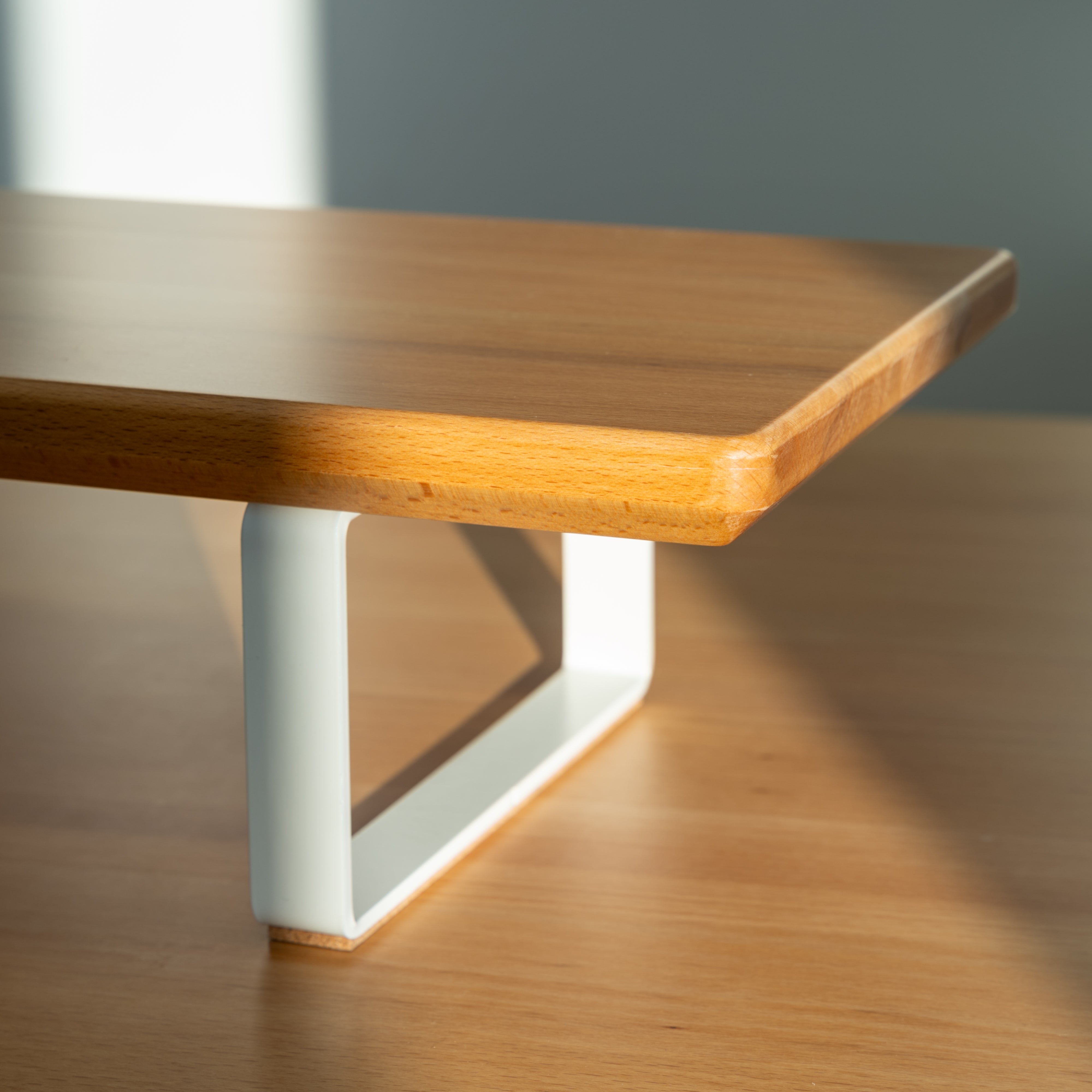
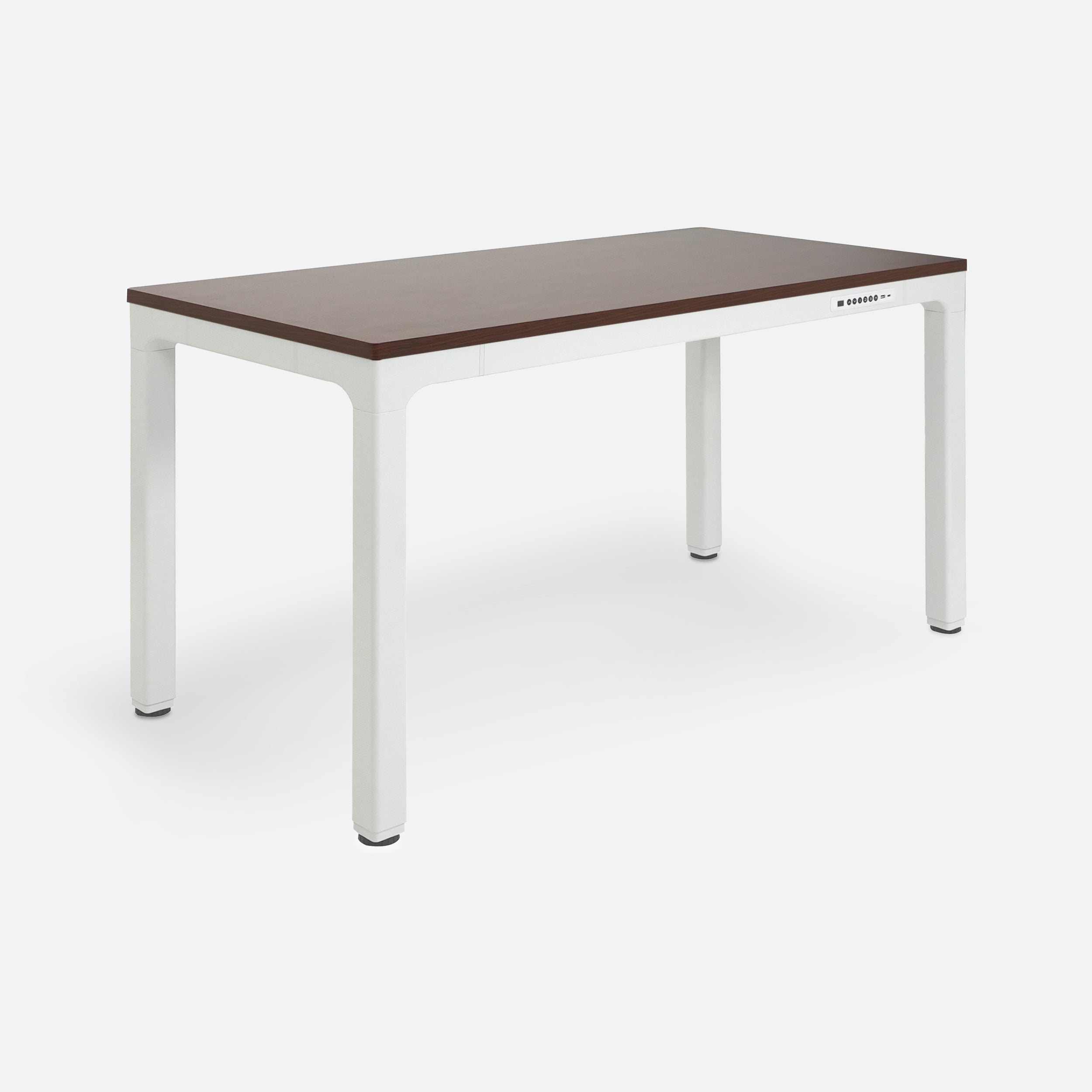
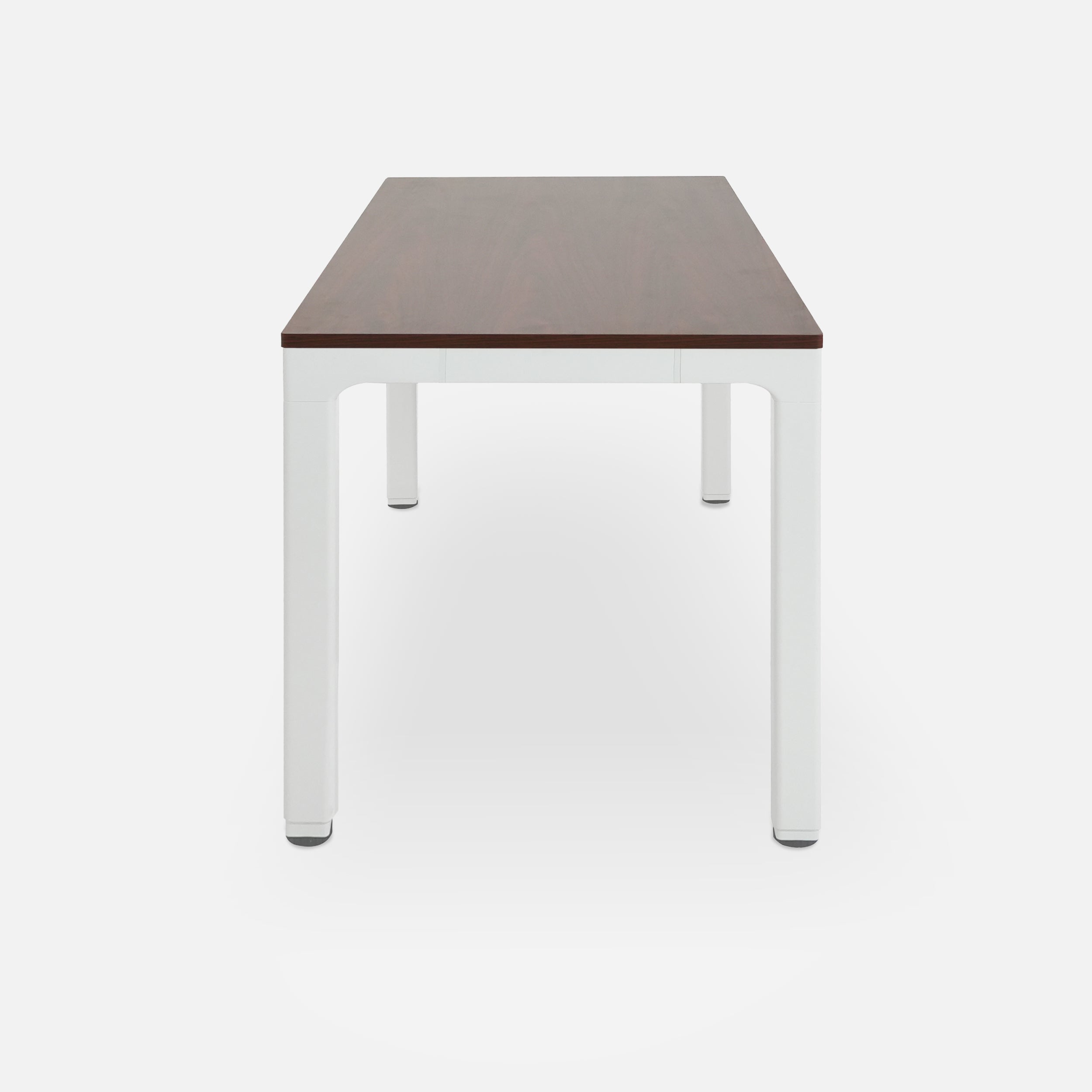
beech wood top with white legs monitor shelf on a light gray background
LiftSync 笔记本电脑支架

示例产品

$19.99
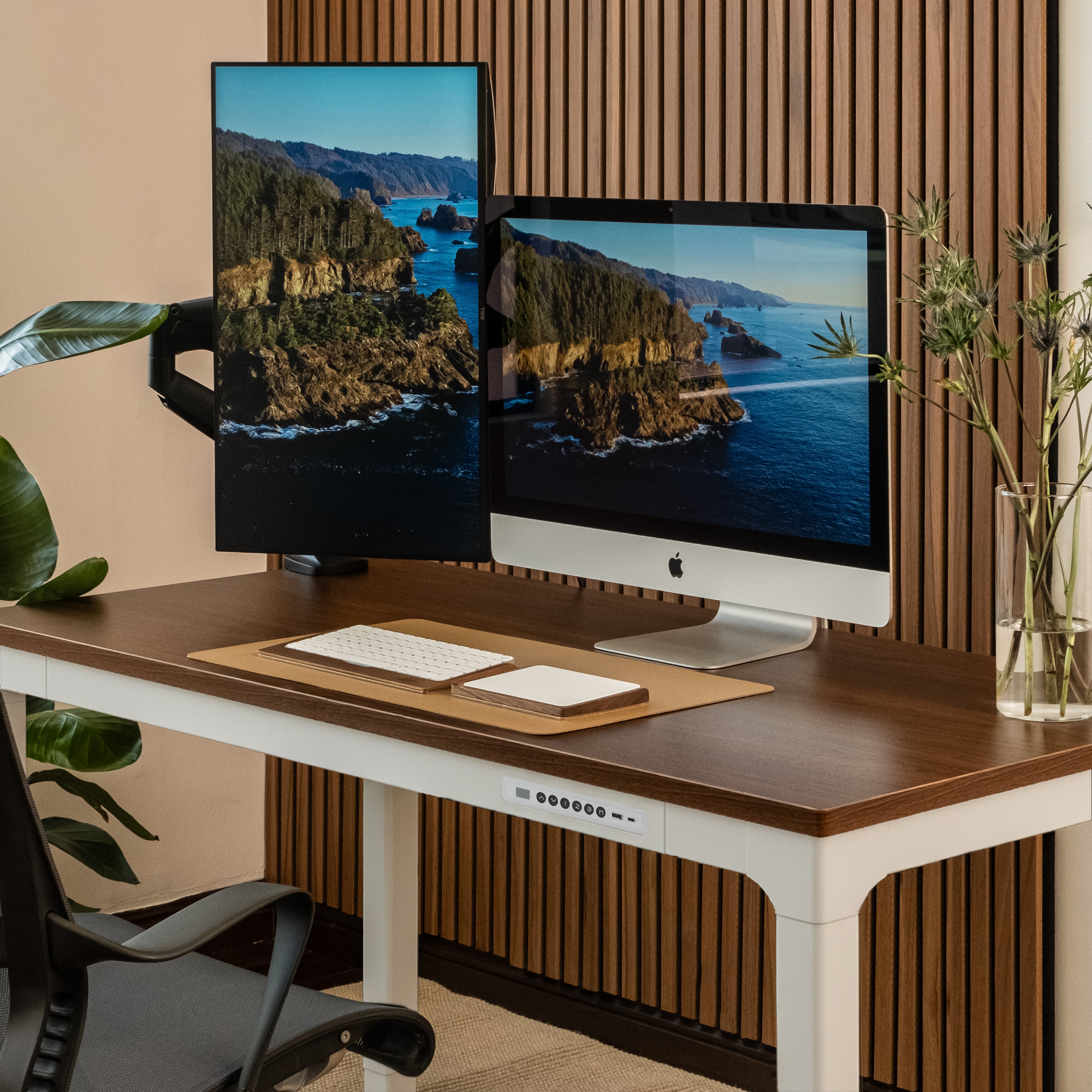
Wooden desk with a vase of dried plants against a striped wall.

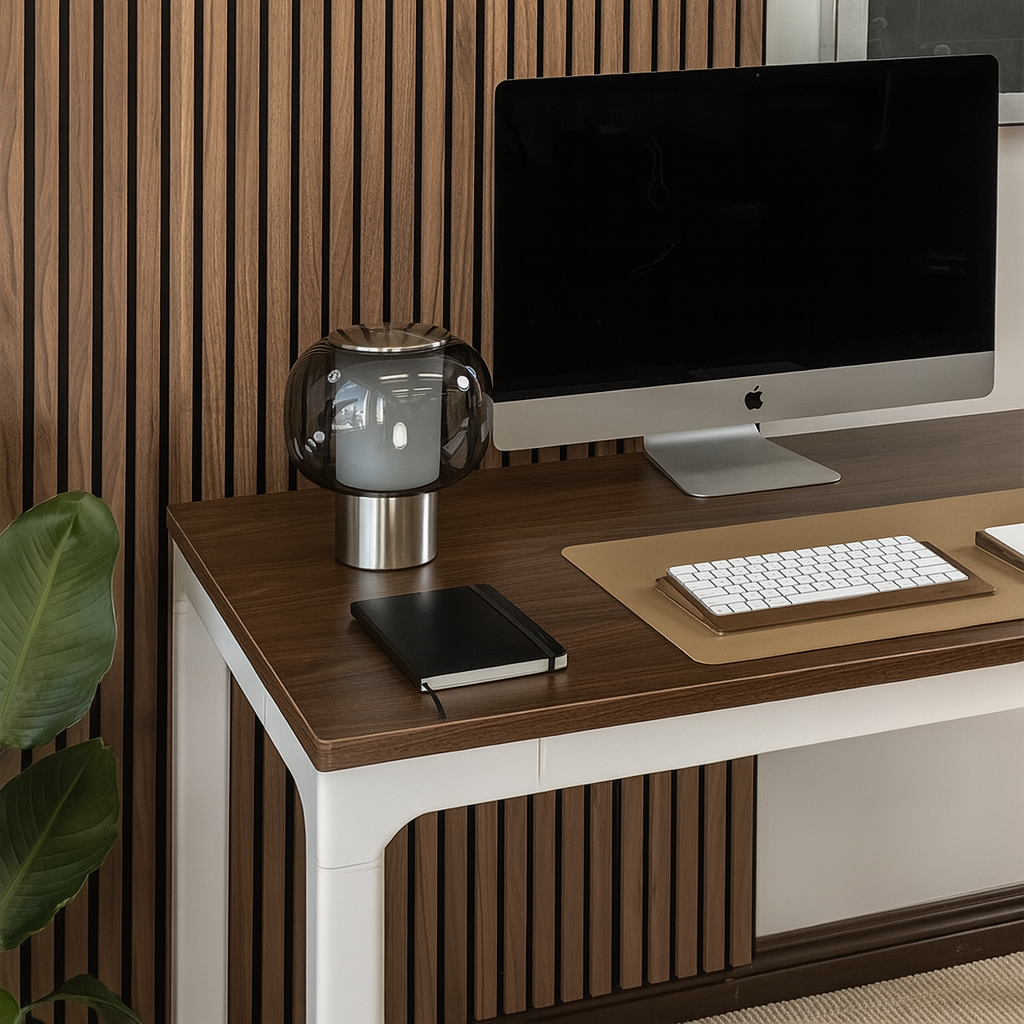
A Standing Desk Fits Your Home Aesthetics

LiftSync Quad Pro's distinctive silhouette create a stunning visual balance while providing uncompromising stability for your most focused work sessions

载入视频:

Cord Management Made Simple

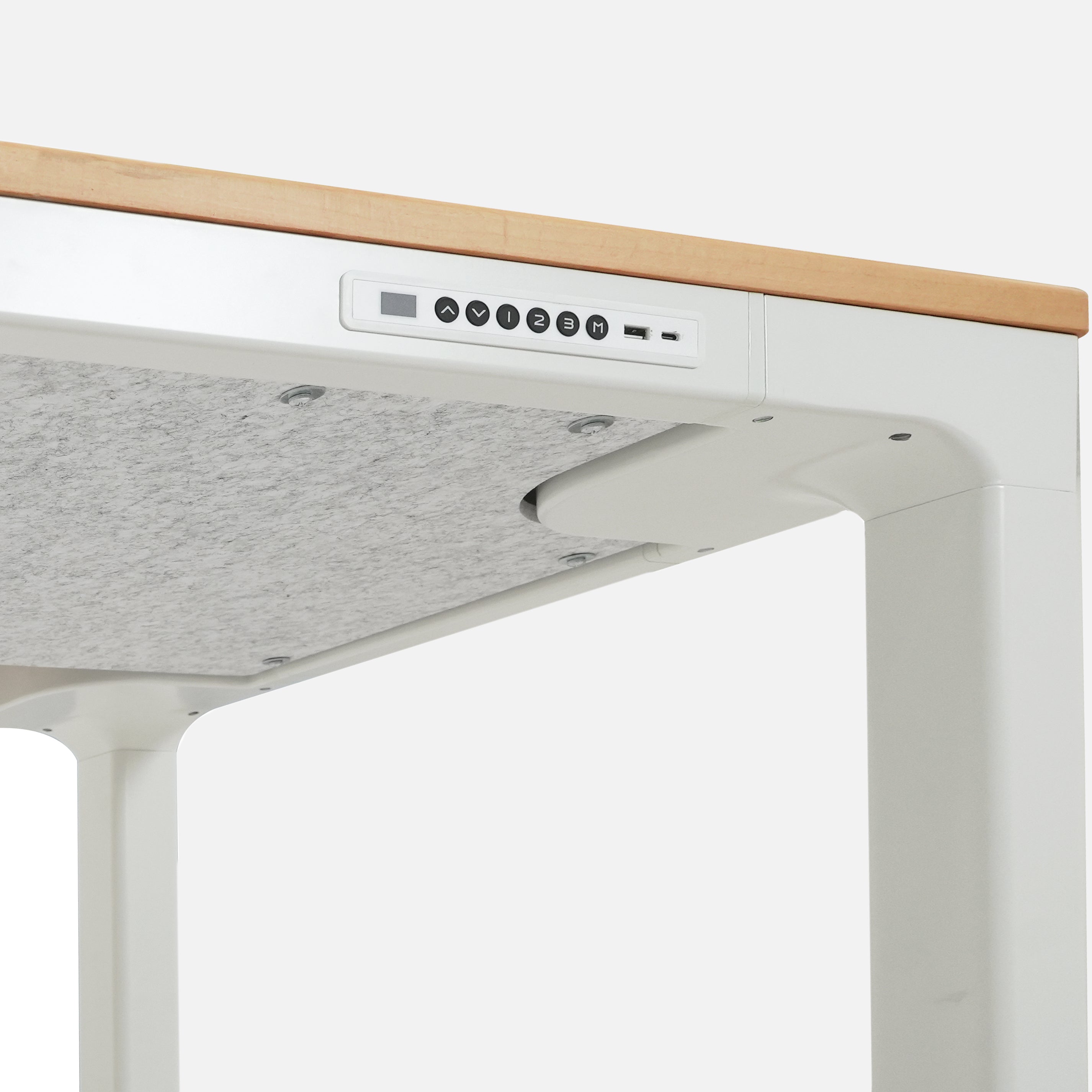
A premium felt cover is included to keep cables neatly concealed, helping you maintain a clean, organized workspace without distractions. It’s a simple yet elegant solution that complements the desk’s design while ensuring your setup looks streamlined from every angle.
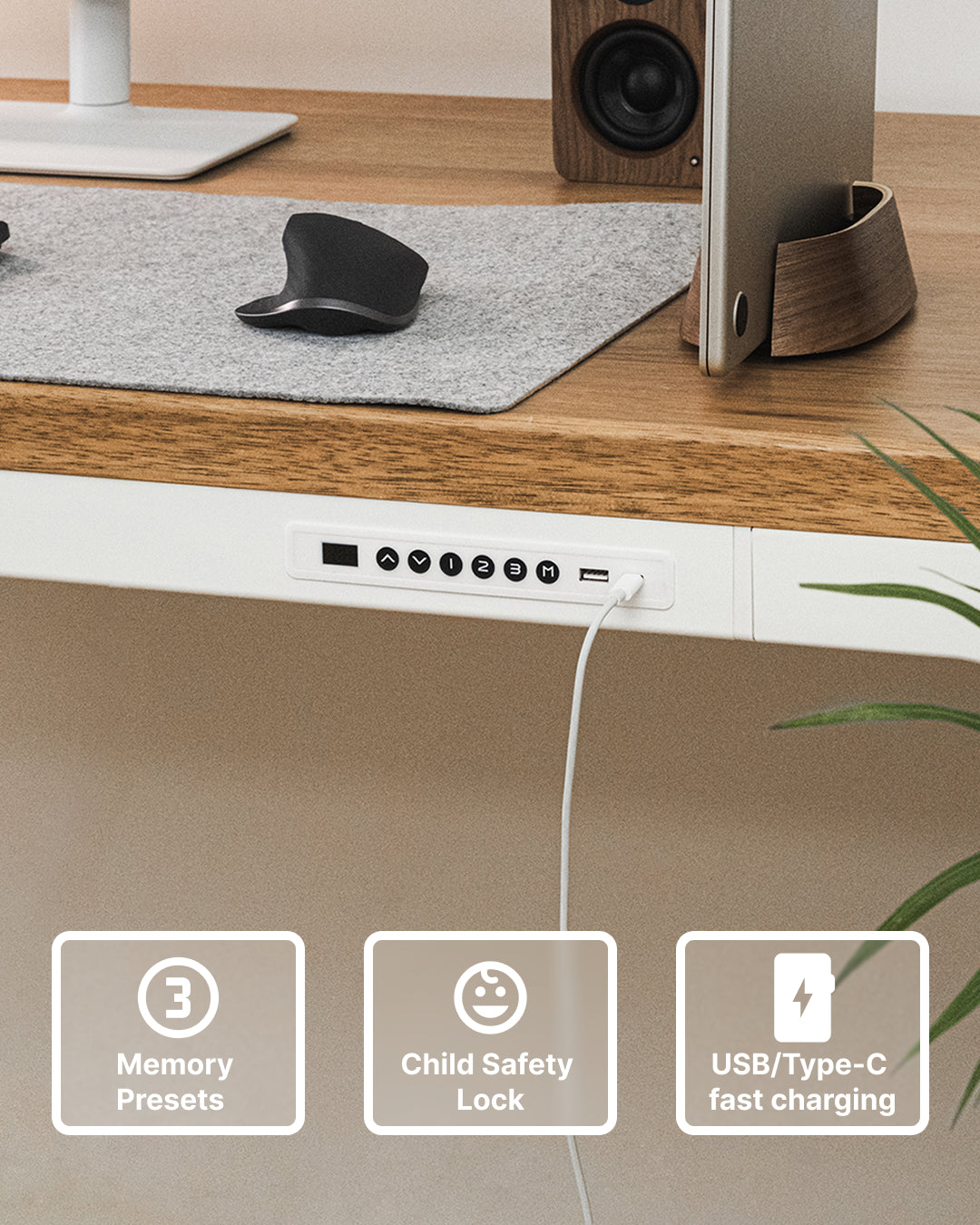
触手可及的轻松掌控

直观的智能高度控制面板让您完全掌控书桌。凭借响应灵敏的 LED 显示屏、一触式记忆预设、儿童安全锁和可自定义设置,调整您的工作区从未如此简单或智能。

Three square wooden samples in different colors on a neutral background

先睹为快,再做决定

我们知道,选择合适的表面处理很重要。这就是为什么我们提供这款实木样品,以便您在购买桌子之前,能近距离查看其色泽、纹理和品质。

查看色板
4.9
Rated 4.9 out of 5 stars
Based on 7 reviews
Total 5 star reviews: 6 Total 4 star reviews: 1 Total 3 star reviews: 0 Total 2 star reviews: 0 Total 1 star reviews: 0
100%would recommend this product
Slide 1 selected
7 reviews
  • FJ
    Fudo J.
    Verified Reviewer
    Rated 5 out of 5 stars
    5 months ago
    LiftSync Quad Pro Review: Solid, Stable, and Built for Daily Use

    The LiftSync Quad Pro is sturdy and consistent where it matters. Height adjustments are smooth, it stays stable at standing height, and there’s no noticeable sway even with multiple monitors. The surface feels well-built, the frame handles weight without flexing, and daily sit-stand changes feel effortless. It’s reliable, solid, and easy to live with over long workdays.

  • SW
    Sam W.
    Verified Buyer
    Rated 5 out of 5 stars
    6 months ago
    Better than I expected

    I was looking for a standing desk that resemble a table. The desk having 4 legs was important to me because the desk would be replacing my kitchen table. When I saw the LiftSync Quad Pro I knew it was exactly what I was looking for. Before purchasing, I had a few questions and customer service quickly responded.

    The desk arrived in two shipments, top and frame separately. The solid wood Beechwood top is beautiful and heavy. The quality is undeniable. The frame is made of quality materials and easy to assemble. Once assembled, the desk is sturdy. The motor is quite and smooth.

    After a month of ownership, I am very happy with my purchase and I would recommend to others.

  • AR
    Alexey R.
    Verified Buyer
    Rated 5 out of 5 stars
    10 months ago
    Sturdy, Stylish, and Incredibly Easy to Assemble!

    This standing desk is fantastic. Assembly was a breeze—the instructions were clear and I had it built in under 30 minutes. It looks great in my office with its sleek, modern design. Most importantly, it's incredibly sturdy. There's zero wobble, even when fully extended with all my equipment on it. The motor is smooth and quiet. This desk is a high-quality product that has completely upgraded my workspace. Highly recommend!

  • KL
    Karli L.
    Verified Buyer
    Rated 5 out of 5 stars
    1 year ago
    Exactly what I was looking for!

    I chose this desk for the stability, and it delivered! Best-looking and functioning desk I've ever had!

  • MS
    Matt S.
    Verified Buyer
    Rated 5 out of 5 stars
    1 year ago
    Great

    We are quite happy with the quality and aesthetic of our new desks. Set-up was simple and intuitive. The quality of the wood and the sturdiness of the legs exceeded expectations. The customer service was quick and responsive, and the products arrived on time and as described.

Press left and right arrows to navigate.
Viewing Slides 1 to 2 of 5

常见问题

Does the LiftSync Heavy Duty Monitor Arm work with the Quad Pro desk?

Yes, LiftSync Heavy Duty Single Monitor Arm is compatible with the LiftSync Quad Pro desk. For best stability—especially when using ultra-wide or heavier monitors—we recommend clamping the arm near the center or rear edge of the desktop and ensuring it is fully tightened.

Can I attach casters (wheels) to the LiftSync Quad Pro desk?

Yes — you can attach optional casters to the LiftSync Quad Pro using the LiftSync 2" Casters and LiftSync Heavy Duty Casters

These casters are designed to mount on compatible desk legs and allow the desk to roll smoothly when you need to reposition it.

Can I buy just the desk frame without the tabletop?

Absolutely! Our premium LiftSync Quad Pro frame can be purchased at https://liftsync.us/products/liftsync-quad-pro-frame

How stable is the LiftSync Quad Pro at standing height?

The Quad Pro uses a 4-leg frame design, which provides excellent stability compared to 2-leg desks. If you experience monitor wobble, we recommend:

  • Checking that all frame bolts are fully tightened
  • Ensuring the desk is on a level surface
  • Using a high-quality monitor arm properly clamped

If issues persist, our support team (email: customer_service@liftsync.us) can help troubleshoot.

Does the LiftSync Quad Pro include USB-A / USB-C charging ports?

Yes. The LiftSync Quad Pro includes USB-A and USB-C charging ports built into the control panel for convenient device charging. Charging performance depends on your device and cable.

Does the LiftSync Quad Pro come with cable management?

It features a felt cover underneath the desktop that neatly conceals cables, the power adapter, and the control box, helping reduce visible clutter and protect cords.

How heavy is the LiftSync Quad Pro desk?

The LiftSync Quad Pro has a product weight of approximately 115–118 lbs, depending on desktop size and material.
The shipping (gross) weight is approximately 142–151 lbs, including packaging.

This solid weight, combined with the four-motor system, supports a maximum static load of 484 lbs, delivering exceptional stability for multi-monitor and heavy setups.

How does the Child Safety Lock work on Quad Pro desk?

LiftSync's Quad Pro desk features Child Safety Lock. Here's how to unlock this function: -Simultaneously press and hold the “△” and “▽” buttons for 5 seconds. When the controller displays “LOC,” it indicates that the system is locked, and no height adjustment operations can be performed. -While in the locked state, simultaneously press and hold the “△” and “▽”buttons for 5 seconds. -When the controller display changes from “LOC” to normal numerical height display, it indicates that the system has been unlocked.

没有找到您要的答案?

请随时与我们联系